How Different Forms Help Conduct Surveys — And How Ghaznix Form Masters It All
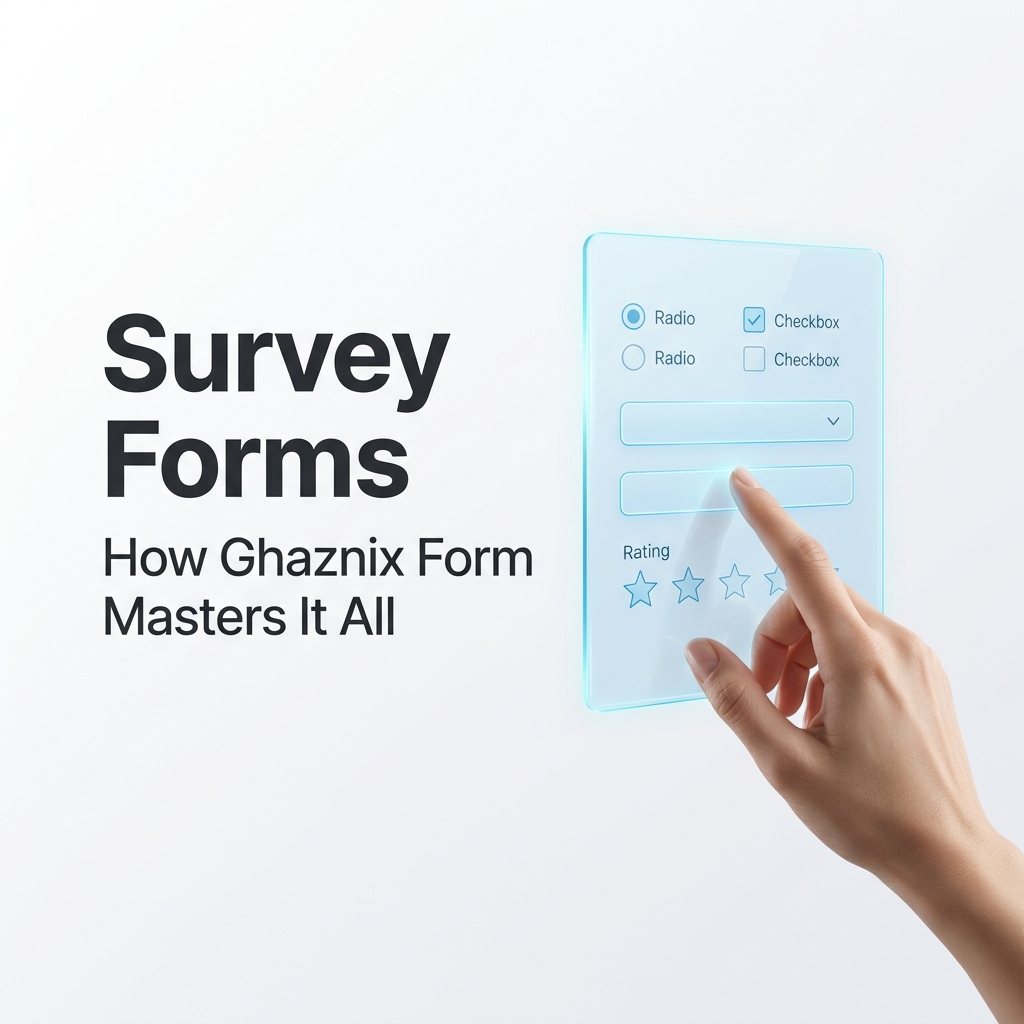
Surveys are one of the most powerful instruments for understanding people — their preferences, pain points, behaviours, and expectations. But a survey is only as good as the form it lives inside. The type of form you choose determines whether respondents finish your survey or abandon it halfway, whether you get rich qualitative insights or flat, unusable data.
This guide breaks down every major form type used in surveys, explains what each one does best, and shows you exactly how Ghaznix Form brings them all together into one seamless experience.
Why Form Design Is the Core of Survey Success
Before we dive into form types, consider this: studies consistently show that completion rates drop by up to 60% when a survey is poorly designed. Long-winded questions, irrelevant follow-ups, and clunky mobile interfaces all kill engagement.
The form is the survey experience. The structure, question types, and visual flow all shape how respondents perceive you — and whether they trust you with honest answers.

The Major Form Types Used in Surveys
1. Multiple Choice Forms
What they do: Present respondents with a fixed set of answer options, where only one can be selected.
Best for:
- Demographic questions (“What is your age range?”)
- Preference ranking (“Which product do you prefer?”)
- Categorical data collection
Why they work: They are fast, familiar, and produce clean, quantifiable data. Respondents don’t need to think hard — they just pick the best match.
The drawback: They limit expression. If none of the options fit perfectly, respondents are forced to choose inaccurately or skip.
2. Checkbox (Multi-Select) Forms
What they do: Allow respondents to select multiple answers from a predefined list.
Best for:
- “Select all that apply” questions
- Interest and preference mapping
- Feature wish-lists
Why they work: They capture nuance that single-choice questions miss. A customer might use three features of your product daily — a checkbox form captures that complexity.
3. Rating Scale Forms (Likert Scales)
What they do: Ask respondents to rate something on a numerical or labelled scale — typically 1 to 5 or “Strongly Disagree” to “Strongly Agree.”
Best for:
- Customer satisfaction (CSAT) surveys
- Employee engagement surveys
- Net Promoter Score (NPS) forms
- Product usability feedback
Why they work: They translate subjective feelings into measurable numbers. You can track trends over time, compare cohorts, and identify clear thresholds for action.
Pro tip: Odd-numbered scales (e.g., 1–5) allow for a neutral midpoint. If you want to force a lean, use an even number (1–4).
4. Open-Ended (Long Text) Forms
What they do: Provide a free-text field where respondents write answers in their own words.
Best for:
- Discovering unknown pain points
- Collecting testimonials or qualitative feedback
- Post-event or post-purchase reflection questions
Why they work: They capture ideas, emotions, and context that no predefined option ever could. The best product insights often emerge from a single open-ended answer.
The drawback: They require more effort from respondents and more analysis time for you. Use them sparingly — one or two per survey is the sweet spot.
5. Dropdown (Select) Forms
What they do: Present a collapsed list of options that expands on click, allowing a single selection.
Best for:
- Long lists of choices (countries, industries, departments)
- Forms where screen real estate is limited
- Mobile-first surveys
Why they work: They keep the visual layout clean without sacrificing option depth. A country selector with 190+ options needs a dropdown — not a radio button list.
6. Conditional Logic (Branching) Forms
What they do: Show or hide questions dynamically based on a respondent’s previous answers.
Best for:
- Segmented audiences (“If you answered ‘Yes’ to owning a pet, show pet-related questions”)
- Reducing irrelevant questions
- Creating personalised survey paths
Why they work: They make the survey feel intelligent and personal. A respondent who selects “I don’t use email marketing” doesn’t have to wade through five questions about their email campaigns. This dramatically boosts completion rates and data quality.
The Survey Form Comparison Table
| Form Type | Data Type | Best For | User Effort |
|---|---|---|---|
| Multiple Choice | Categorical | Quick preferences | Very Low |
| Checkboxes | Multi-categorical | “All that apply” | Low |
| Rating / Likert | Ordinal | Satisfaction, agreement | Low |
| Open-Ended | Qualitative | Deep insights | High |
| Dropdown | Categorical | Long option lists | Low |
| Conditional Logic | Contextual | Personalised flows | Invisible |
How Ghaznix Form Handles Every Single One
Most survey tools handle some of these form types. Ghaznix Form handles all of them — and it does so inside a single, unified platform designed around two principles: beauty and intelligence.
✅ All Question Types, One Builder
Every form type listed above — from rating scales to conditional branching — is available in Ghaznix Form’s drag-and-drop builder. You don’t need a separate tool for ratings, another for dropdowns, and a third for logic branching. It’s all in one place.
✅ Smart Conditional Logic
Ghaznix Form’s branching engine lets you create complex survey paths without writing a single line of code. Build decision trees visually — if a respondent selects “Dissatisfied,” route them to a recovery flow. If they select “Very Satisfied,” route them to a referral prompt.
This isn’t just a nice-to-have. Surveys with conditional logic see up to 40% higher completion rates compared to linear forms.
✅ Mobile-First Responsive Design
Every form you build in Ghaznix Form is automatically optimised for smartphones and tablets. Dropdowns expand cleanly and rating scales render perfectly on any screen size. There is no separate “mobile version” to maintain.
✅ Real-Time Analytics Dashboard
After your survey goes live, Ghaznix Form tracks every interaction. You get:
- Completion funnel analysis — see exactly where respondents drop off
- Question-level response breakdowns — visualised as charts and graphs
- Open-ended sentiment insights — identify trending themes in free-text answers
✅ Privacy-First Architecture
Ghaznix Form is built on the same privacy-first principles that guide all of our products (see our work on Federated Learning). Your respondents’ data belongs to you — not to ad networks, not to third parties.
✅ Seamless Integrations
Connect your survey results directly to your CRM, email marketing platform, or data warehouse. Automate follow-up emails, trigger workflows, and keep your pipeline moving — without manual data exports.
Practical Example: Building a Customer Satisfaction Survey with Ghaznix Form
Here’s how a real-world customer satisfaction survey might look when built in Ghaznix Form:
- Rating Scale (Likert) → “Rate our support response time, product quality, and onboarding experience.”
- Conditional Branch → Low score? Show a recovery flow. High score? Show a referral prompt.
- Checkboxes → “Which areas would you like to see us improve? (Select all that apply)”
- Dropdown → “Which plan are you currently on?”
- Open-Ended → “Is there anything else you’d like to share with us?”
The entire form adapts in real time to each respondent’s journey — someone who rates you highly never sees the recovery questions. This is what a smart survey looks like, and it takes minutes to build in Ghaznix Form.
Conclusion: The Right Form for the Right Question
Every form type has a purpose. The art of great survey design is knowing when to use each one — and having a platform that supports all of them without compromise.
Whether you need a quick rating check, a deep qualitative research form, or a complex branching survey for multiple customer segments, the answer is the same:
Start with the right tool.
Ghaznix Form gives you every question type, powerful conditional logic, real-time analytics, and a premium design — all in one place.
Empower Your Digital Presence & Workflows
Explore top-tier tools built by Ghaznix to streamline your links, surveys, and brand growth.