Electron vs Native Apps: Is the Performance Difference Real?
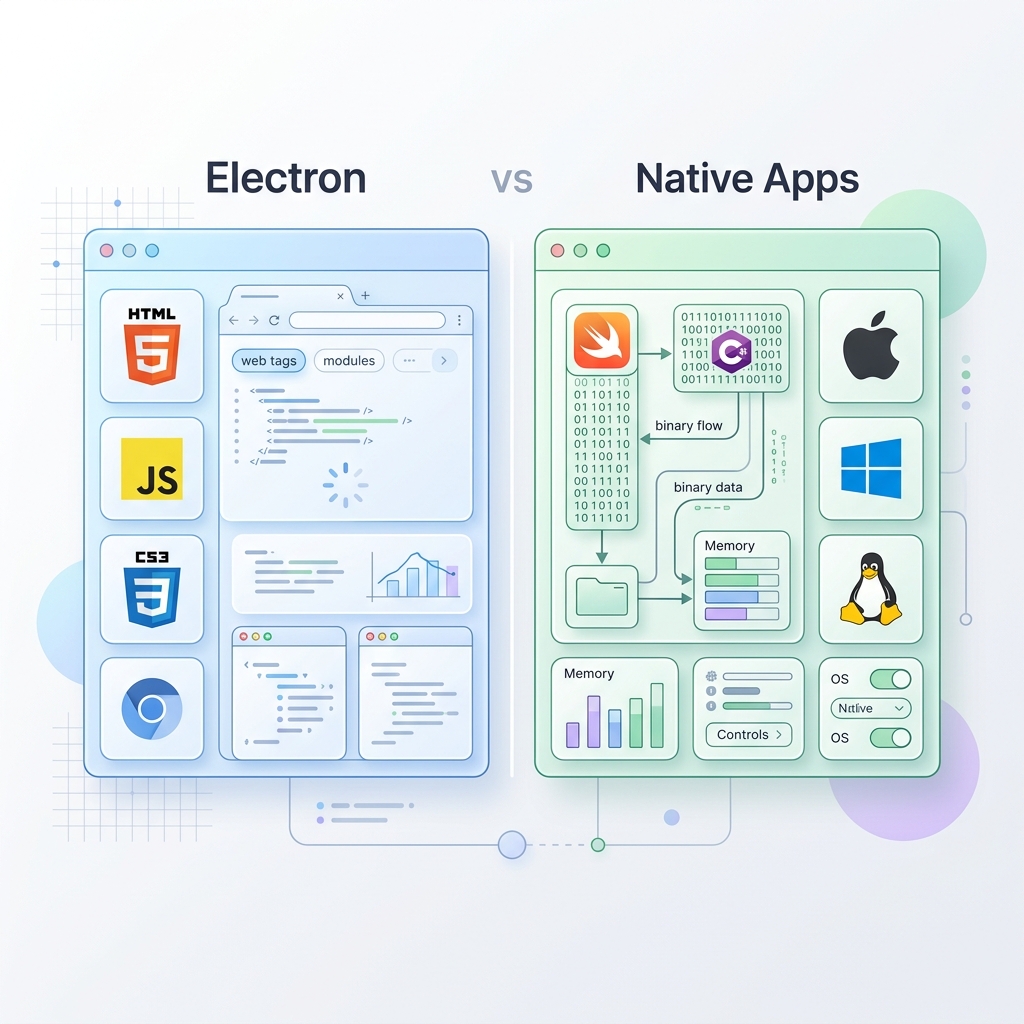
For years, a heated debate has raged in the software development community: Electron vs. Native. Modern desktop giants like Visual Studio Code, Slack, Discord, and Teams are built on Electron, a framework that lets developers build cross-platform desktop apps using web technologies.
At the same time, users and developers alike frequently complain about Electron apps being “bloated,” “sluggish,” and “RAM-hungry.” On the other side stand Native applications, written specifically for a target operating system (using Swift/Objective-C for macOS, Kotlin/C# for Windows/Android, and C++/Qt for Linux).
So, is the performance difference real? Or is it an exaggeration? In this post, we’ll dive deep into the architecture, memory usage, startup times, and resource footprint of both approaches to find out.
1. Architectural Blueprint: The Core Difference
To understand the performance gap, we must first look at how these applications run under the hood.
Electron: A Web Browser in a Box
An Electron application is essentially a packaged instance of Chromium (the open-source browser behind Google Chrome) combined with the Node.js runtime.
- The Main Process runs the Node.js environment, managing the application lifecycle and system interactions.
- The Renderer Processes run Chromium instances, rendering the user interface just like a web page.
This means when you run a single Electron application, you are running a web browser and a backend server simultaneously.
Native: Directly Speaking to the Hardware
Native applications compile directly to machine code or target optimized virtual machines (like the JVM or .NET CLR) that run with minimal overhead. They use the OS’s native UI rendering engine (like Cocoa on macOS or WinUI on Windows) instead of rendering HTML inside a browser container.
2. Memory Consumption (The RAM Debate)
The most common criticism of Electron is its memory usage. This difference is 100% real and measurable.
- Electron baseline: A blank, freshly initialized Electron application typically consumes between 80MB to 120MB of RAM. This is because the application must load Chromium’s rendering engine, JavaScript engine (V8), and Node.js into memory before it even displays a single pixel of your UI.
- Native baseline: A native desktop application built with Swift (for macOS) or C++ (for Windows) can easily launch and run using less than 10MB to 15MB of RAM.
When you scale this up to everyday usage, running three or four Electron apps (e.g., Slack, Discord, VS Code, and Spotify) can easily consume 1.5GB to 2GB of RAM just to keep their runtimes active. For users with 8GB of RAM, this creates a significant performance bottleneck.
3. Startup Times and Execution Speed
Cold Boot Speed
Because Electron must boot a browser engine and initialize the Node.js context, it suffers from a noticeable “cold boot” delay. This startup time usually takes anywhere from 1 to 3 seconds. Native applications, having no such runtime initialization overhead, launch almost instantly (often in 100-300 milliseconds).
Execution and CPU Overhead
Chromium uses Google’s V8 engine to compile JavaScript Just-In-Time (JIT) into machine code. While V8 is incredibly fast for a JavaScript engine, it cannot match the raw speed of Ahead-Of-Time (AOT) compiled native code (like C++ or Swift).
Furthermore, because Electron relies on a garbage-collected language (JavaScript), users will occasionally experience micro-stutters when the garbage collector cleans up unused memory. Native languages like C++ use manual memory management, and Swift uses Automatic Reference Counting (ARC), both of which avoid garbage collection pauses.
4. Package Size (Disk Footprint)
The size of the application installer is another stark contrast:
- Electron: Because every Electron app must bundle Chromium and Node.js, the minimum download size is around 50MB to 80MB, unpacking to over 150MB on disk.
- Native: A native application has no runtime to bundle because it uses the OS’s built-in libraries. A fully functional native utility can easily be under 5MB.
5. If Native is Superior, Why is Electron So Popular?
With all these performance drawbacks, why do industry giants still choose Electron?
- Developer Velocity: Writing code once in HTML/CSS/JavaScript and deploying to macOS, Windows, and Linux saves companies millions in development costs.
- Talent Pool: There are vastly more web developers (HTML/CSS/JS) than there are native macOS (Swift) or Windows (C++) developers.
- Consistent UI: Electron guarantees your application will look and behave exactly the same across all operating systems.
Conclusion: Is the Performance Difference Real?
Yes, the performance difference between Electron and native applications is very real. Native apps are indisputably faster, consume a fraction of the memory, launch quicker, and take up less disk space.
However, for many businesses, the developer efficiency, speed-to-market, and cross-platform consistency offered by Electron outweigh these performance costs. As a developer or user, the choice comes down to a trade-off: convenience and development speed versus resource efficiency and raw speed.
Empower Your Digital Presence & Workflows
Explore top-tier tools built by Ghaznix to streamline your links, surveys, and brand growth.